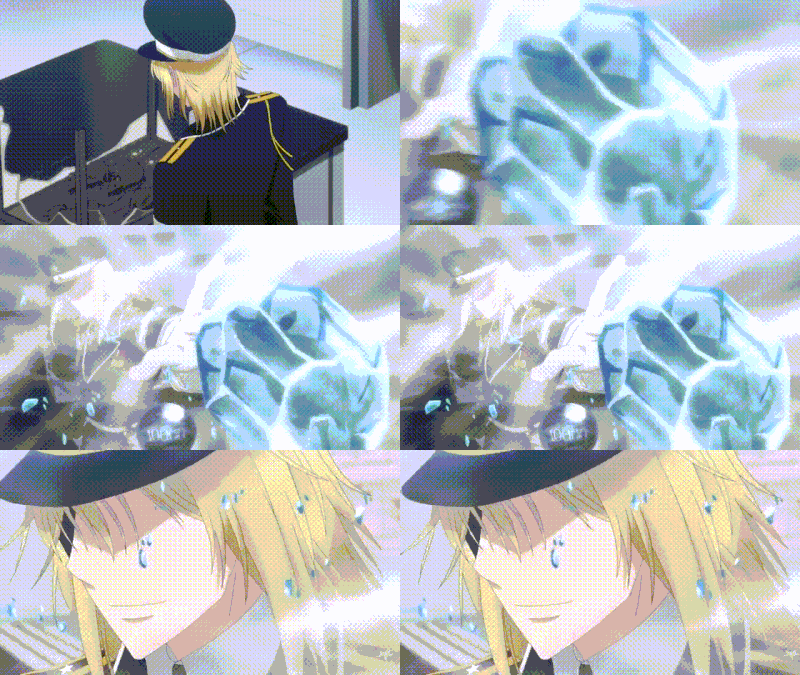
Animation by 300 Heroes



HereBoromonokli wrote: Sun Jul 05, 2020 7:11 pm Excuse me but how exactly do I make it work with the import manager? Paths and all.
Open World Editor, a map of your liking. Import manager - import files of Souji and save. Object editor (helmet icon in toolbar), choose a model then right-click "create custom model". Double click Art-model file, default is "preset". Click "import", choose "CTzongsi" and save map. Adjust model's in-game size and/or run speed and voice and that's it.Boromonokli wrote: Sun Jul 05, 2020 7:11 pm Excuse me but how exactly do I make it work with the import manager? Paths and all.
It's mainly because the guy who ripped this model didn't add camera on the model. You could do it yourself on Magos lol.